
Pexafy is a semantic image search engine for free, royalty-free stock photos. Every image is free to use — no attribution required, pulled from one curated library that aggregates nine leading free-photo providers: Unsplash, Pexels, Pixabay, Kaboompics, Burst, StockSnap, Picjumbo, Skitterphoto and NegativeSpace. One Pexafy request = one semantic search across all nine sources. With the providers’ own APIs the same search takes 3 to 5 calls, plus the merge logic and the JSON normalisation — code you write, maintain and pay for. One key, one schema, one rate limit instead of one of each per provider. What sets Pexafy apart is how you search. A traditional stock library matches the keywords people typed when they uploaded a photo. Pexafy matches the meaning, mood and story of the scene you describe — so you find the right image even when nobody tagged it with your exact words. This page walks through the three ways to search Pexafy, and why each one finds better photos than keyword-based stock search.

What “semantic search” means

Semantic search understands what you mean, not just what you typed. Describe a scene in a full sentence — the light, the emotion, the moment — and Pexafy ranks photos by how closely they capture that idea. No tag-guessing, no boolean operators, no scrolling through pages of near-misses. The richer your description, the better the match.

1 · Text search

Describe a scene in plain language and get photos that match its meaning.

2 · Image search

Upload a photo and find visually similar images — semantic reverse image search.

3 · Image + text

Start from a picture, then steer the results with words.

1. Text search — search images by description

The fastest way in: type what you picture, in plain English. Because the search is semantic, full descriptive sentences beat bare keywords. Here is a real Pexafy search for a query no keyword index would handle well:
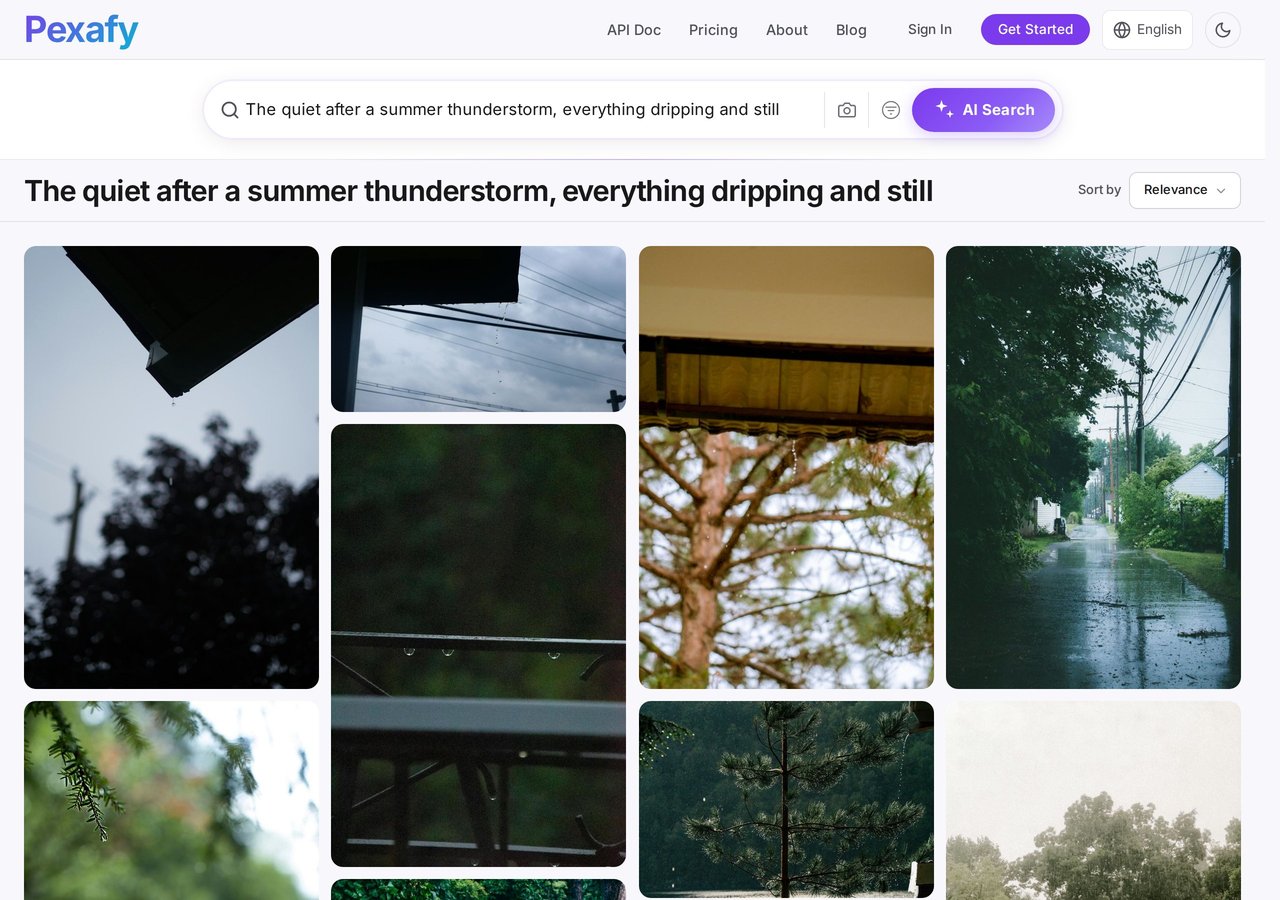
Pexafy semantic image search results for ‘the quiet after a summer thunderstorm, everything dripping and still’

Live Pexafy results for “The quiet after a summer thunderstorm, everything dripping and still”

Try it yourself → Every result is a real, high-resolution, royalty-free photo you can use straight away — no attribution required.

2. Image search — turn a watermarked thumbnail into free photos

This is where semantic reverse image search earns its keep. Say you found the perfect shot on a paid stock site — but it’s a low-resolution, watermarked preview you’d have to license. Drop that thumbnail into Pexafy and it finds free, royalty-free photos of the same scene — same subject, mood and composition — that you can actually use. Here’s a watermarked stock thumbnail of a group of friends:
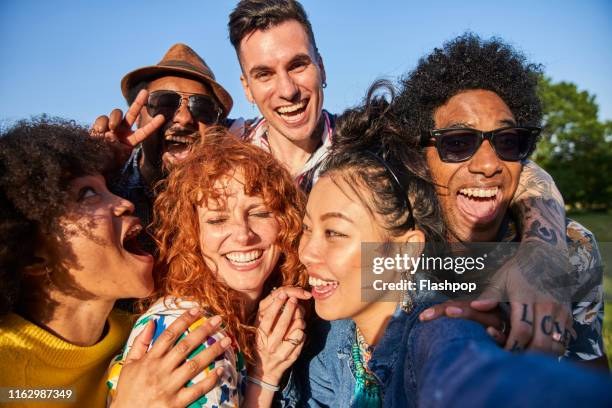
Watermarked stock photo thumbnail of friends laughing outdoors, used as a reverse image search query

A watermarked stock-site thumbnail — not usable as-is

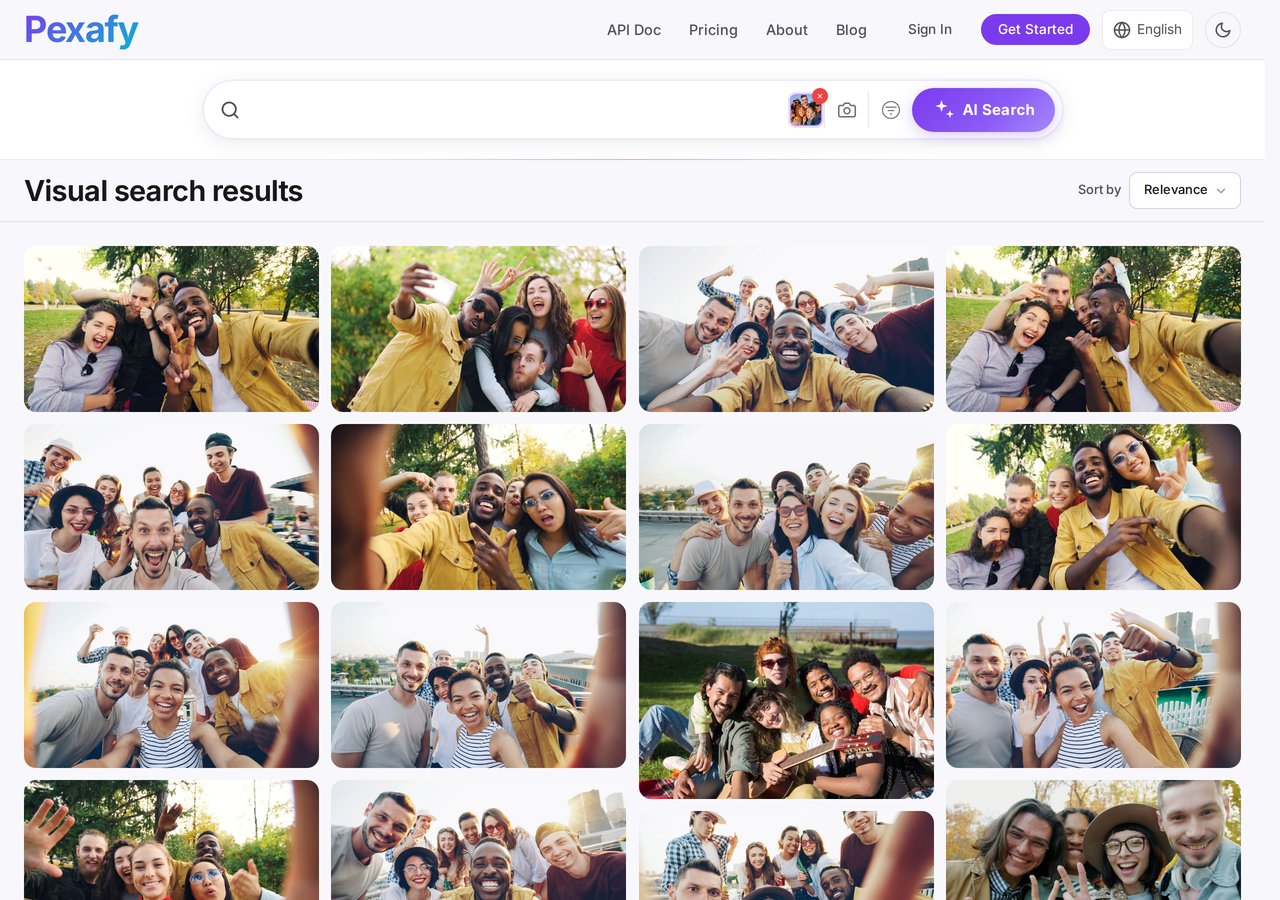
Drop it into the search bar (click the camera icon) and Pexafy returns free photos of the same moment — no watermark, no licence to buy:
Pexafy reverse image search results — free photos visually similar to the watermarked stock thumbnail

Live Pexafy results — free, royalty-free photos of the same scene

Try it yourself →

3. Image + text — start from a picture, steer it with words

The most powerful mode combines both: give Pexafy a reference image and a few words, and it balances what the picture looks like with what you describe. Take the same group photo and add a direction like “with hands in the air” — and the results shift toward that moment while keeping the original look and feel:

Pexafy combined image and text search results — group photo steered toward hands in the air

Live Pexafy results for the reference image + “with hands in the air”

Try it yourself →

Start building

Get an API key

Run your first semantic search in minutes.

Use Pexafy in Claude

Search free stock photos right inside your AI assistant.